My personal dictionary - WordTheme

Organize your words
With WordTheme, you can create a dictionary/lexicon on any language or subject you want.
You can also organize your list of words into themes and sub-themes.


With WordTheme, you can create a dictionary/lexicon on any language or subject you want.
You can also organize your list of words into themes and sub-themes.
On each word, you can add any kind of details (definition, conjugation, examples, transcription, etc.).
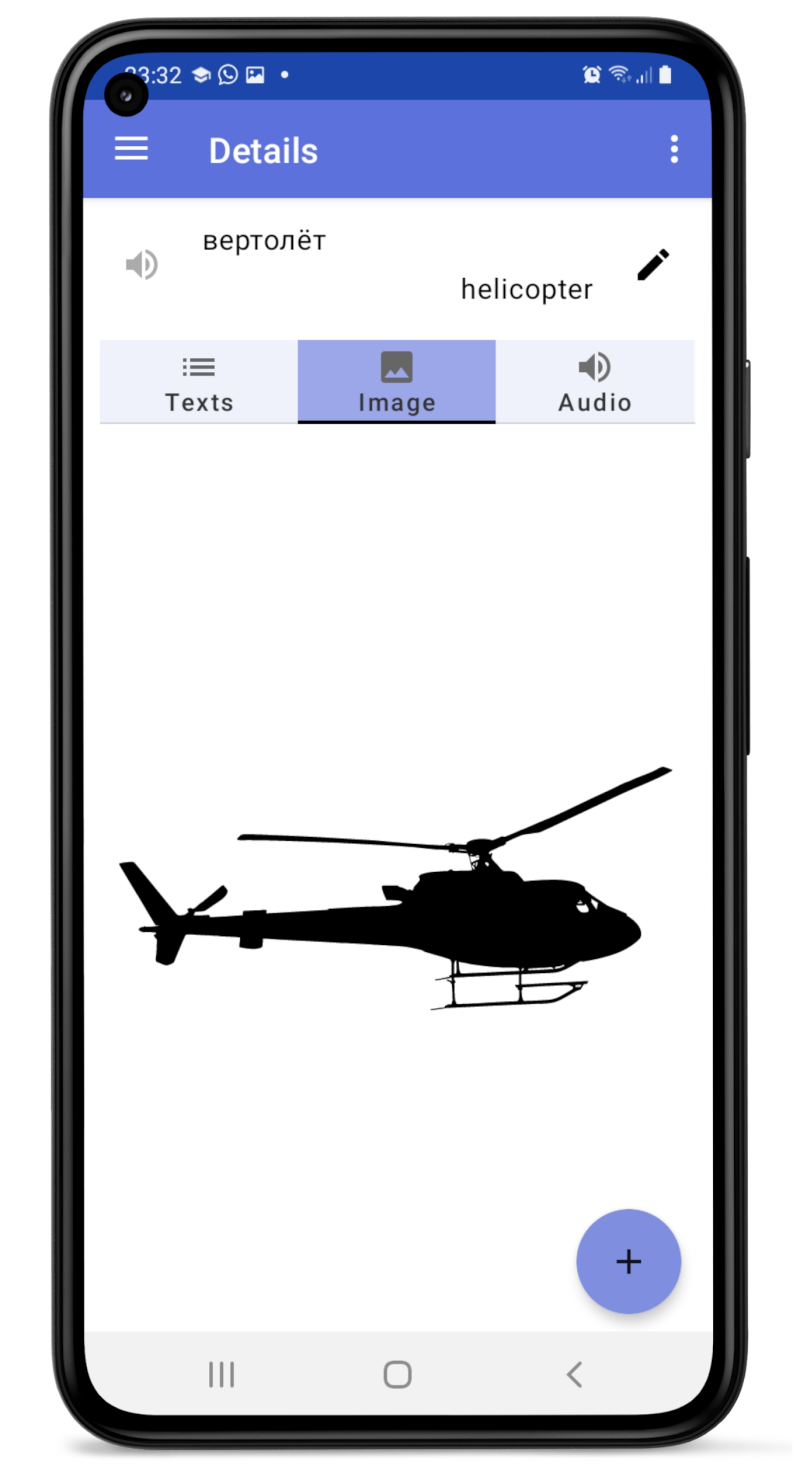
You can also add an image to help illustrate the word (from your device or from an image library available within the app) or add a custom audio file in case your device’s text-to-speech engine does not support the language you are studying.
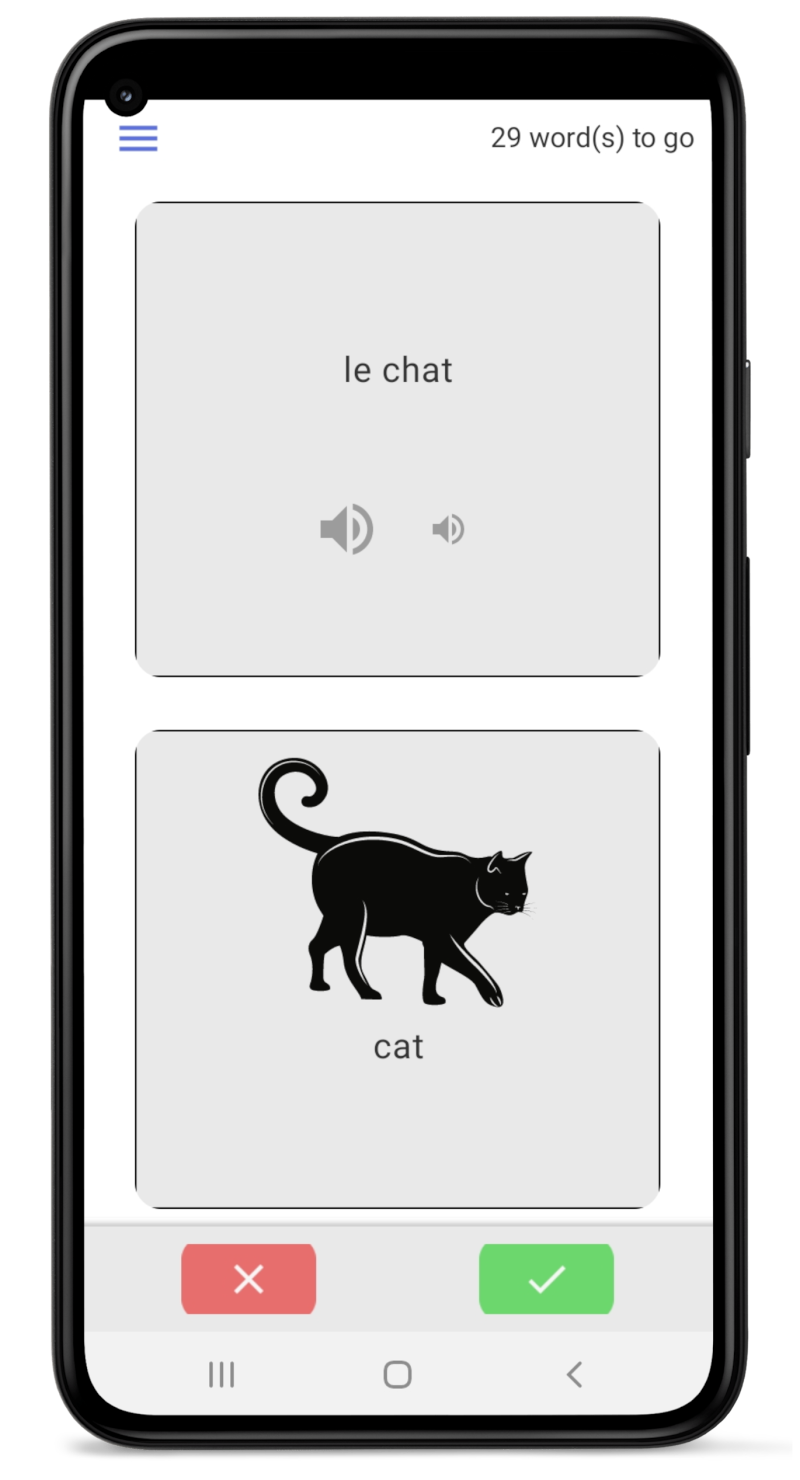
With various games:
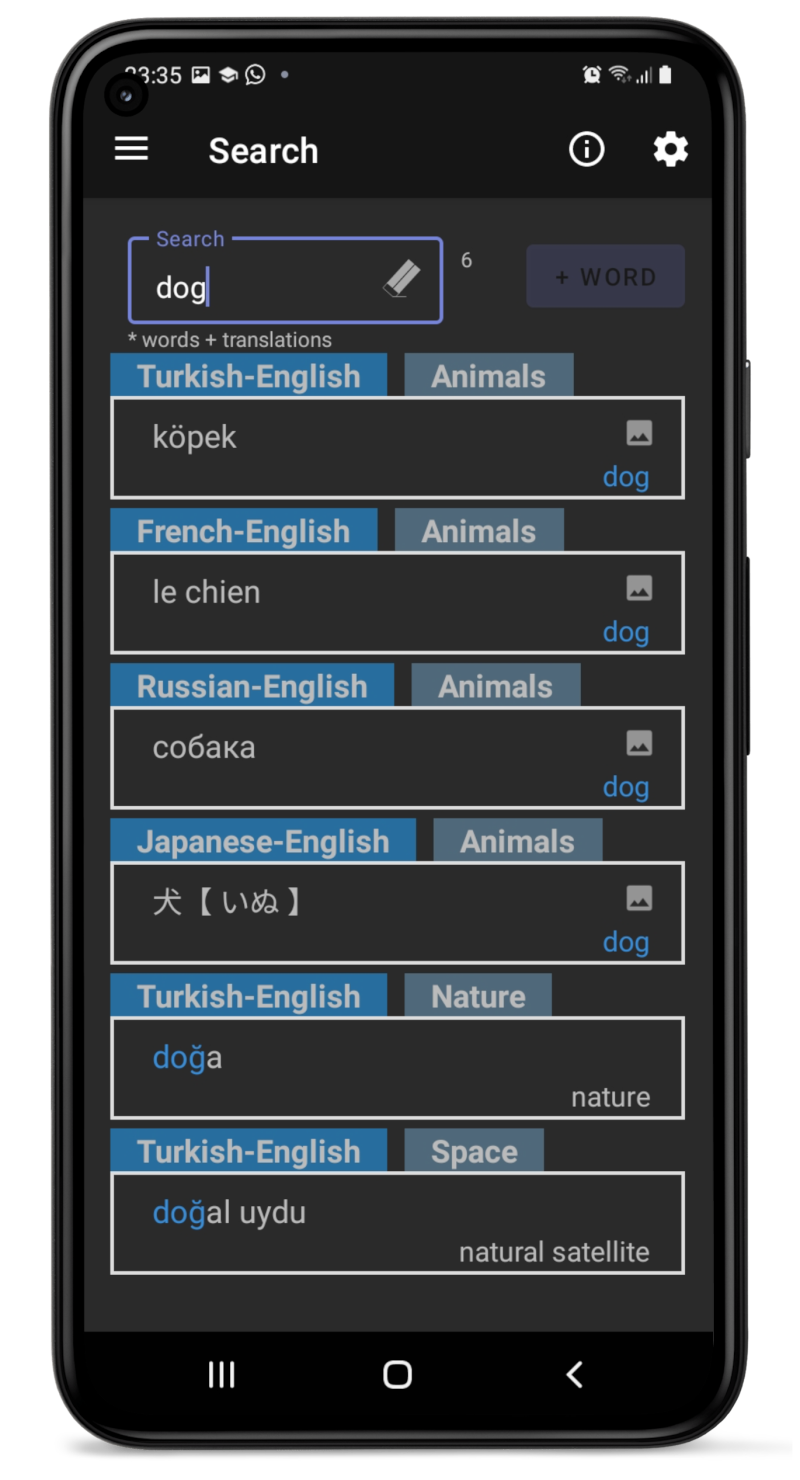
You can search for your words by typing part of the word, translation or any information you indicated in the details.
You can also search on one specific dictionary or on all your dictionaries at once.
As a professor, to easily share a list of words with your students, you just need to create an Excel file on Google Drive, publish it, and provide the URL to your students.
How to share a dictionary?

As a student, the application can use the provided URL to retrieve the list of words. When modifications are made by the professor, the app can update your list of words with just a click.
How to import a shared dictionary?Contact:
soregainochi@gmail.com